BakeValue guide · 03
How to price products for profit in BakeValue
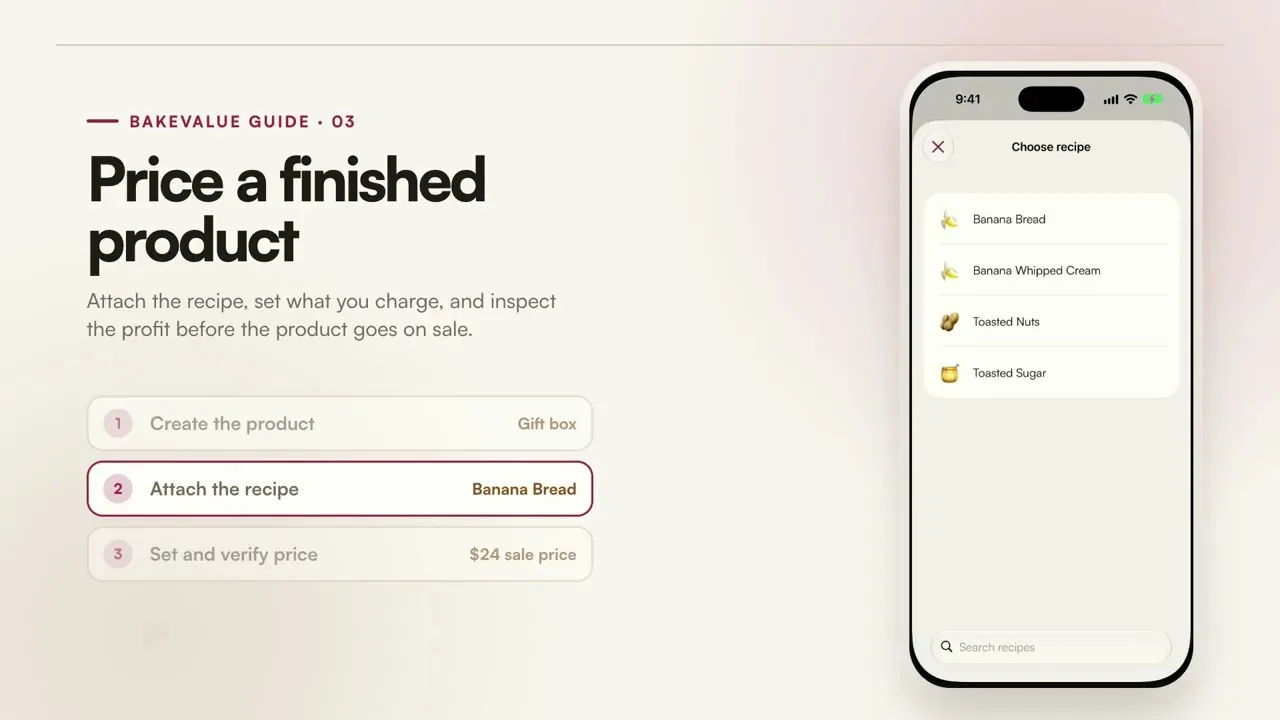
Attach the recipe, set what you charge, and inspect the cost and profit before the finished product goes on sale.
YouTube loads only after you press play. Watch on YouTube.
What this tutorial covers
Create the product.
Set up the finished item the customer will buy, including its yield and packaging.
Attach the recipe.
Choose the recipe that supplies the product so its ingredient and preparation costs carry through.
Set and verify the price.
Enter what you plan to charge and review the resulting cost, margin, and profit per unit.
What happens next
The finished price reflects the recipe and other product costs, giving you a concrete profit figure before accepting the order.