BakeValue guide · 01
How to add ingredients and track costs in BakeValue
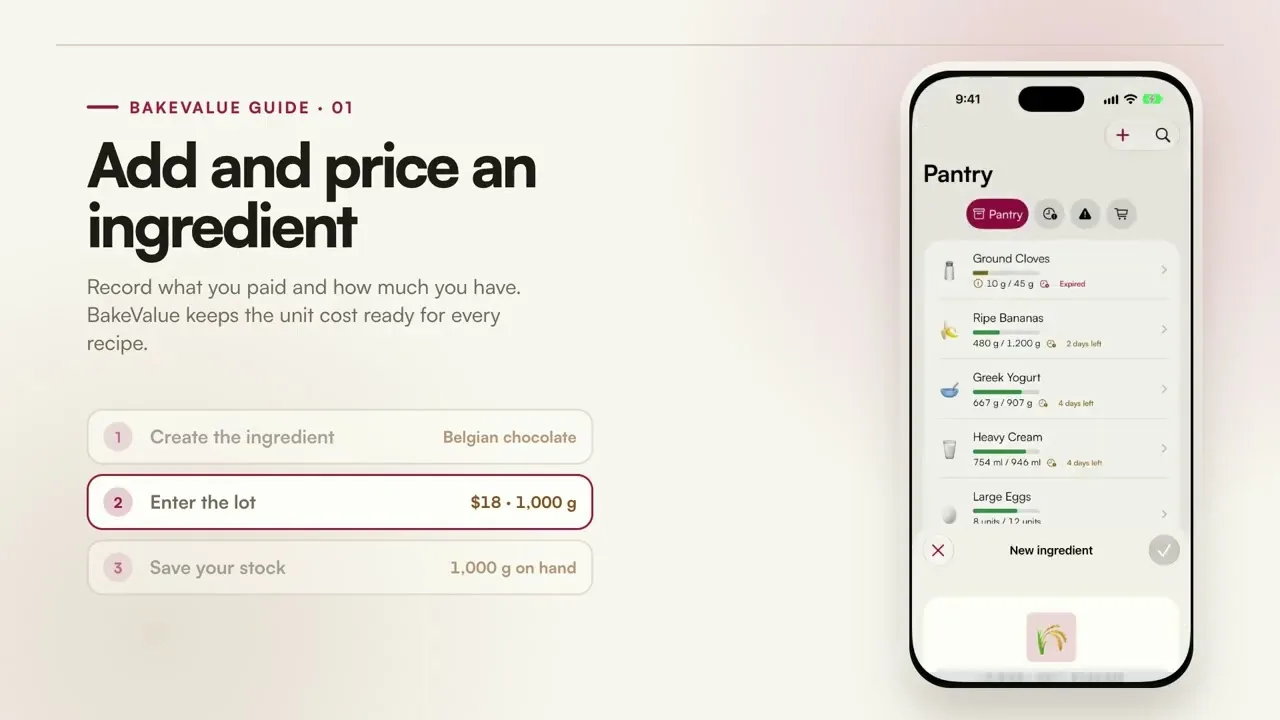
Record what you paid and how much you have. BakeValue keeps the unit cost ready for every recipe that uses the ingredient.
YouTube loads only after you press play. Watch on YouTube.
What this tutorial covers
Create the ingredient.
Add the ingredient once so it can be reused across recipes and inventory records.
Enter the purchase lot.
Record the package price and quantity so BakeValue can calculate the unit cost.
Save the stock on hand.
Keep the available quantity and expiration visible before the next bake.
What happens next
Once the ingredient is saved, its cost is available to connected recipes and can be updated when a new purchase changes the price.