BakeValue guide · 02
How to create recipes and sub-recipes in BakeValue
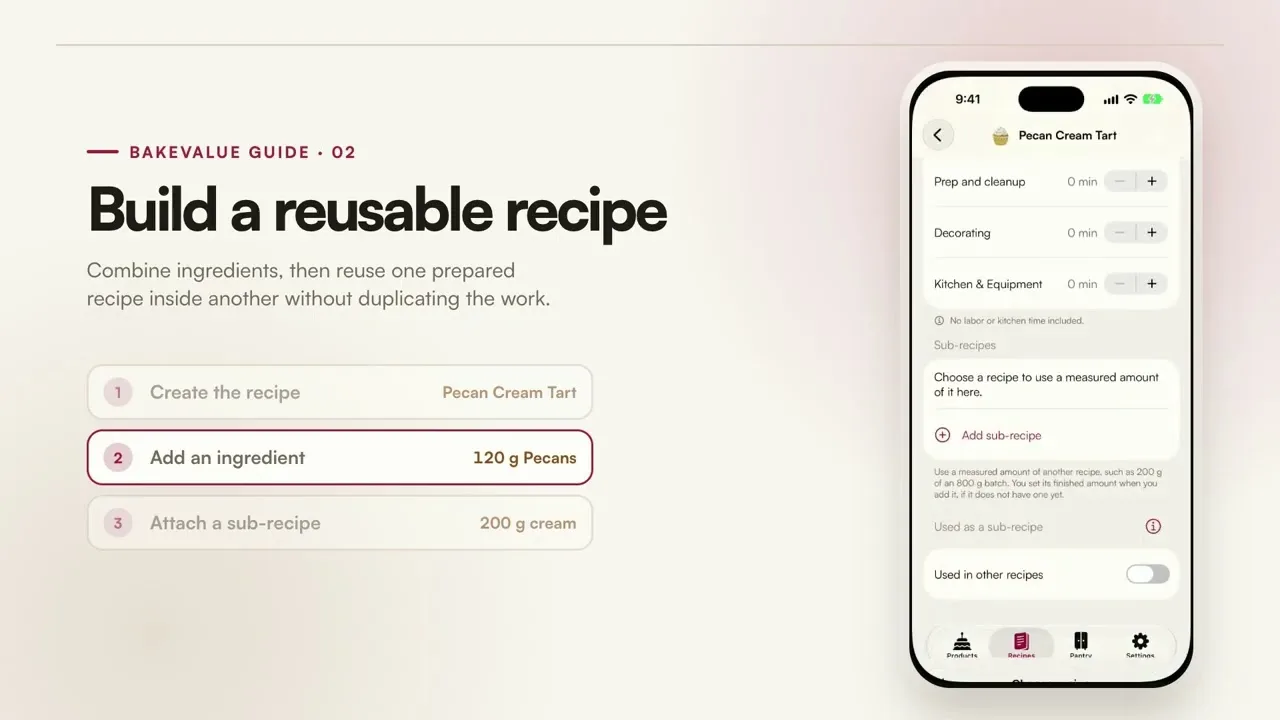
Combine ingredients, then reuse one prepared recipe inside another without duplicating the costing work.
YouTube loads only after you press play. Watch on YouTube.
What this tutorial covers
Create the recipe.
Name the recipe and record its finished yield so each portion can be costed correctly.
Add ingredients.
Choose pantry ingredients and enter the amount the recipe uses.
Attach a sub-recipe.
Reuse a measured amount of another prepared recipe, such as a filling, frosting, or cream.
What happens next
Reusable sub-recipes keep shared components consistent while ingredient price changes continue to flow through the recipes and products that use them.