Recognition for real-world boards.
Faster, more reliable recognition handles screenshots, photos, and printed chess diagrams on your device, so the image stays local.

Chaal
Available on the App StoreA chess position in a screenshot, photo, or printed diagram is easy to save and slow to analyze. Most engines make you rebuild the board by hand before you can ask what the best move is.
View on the App Store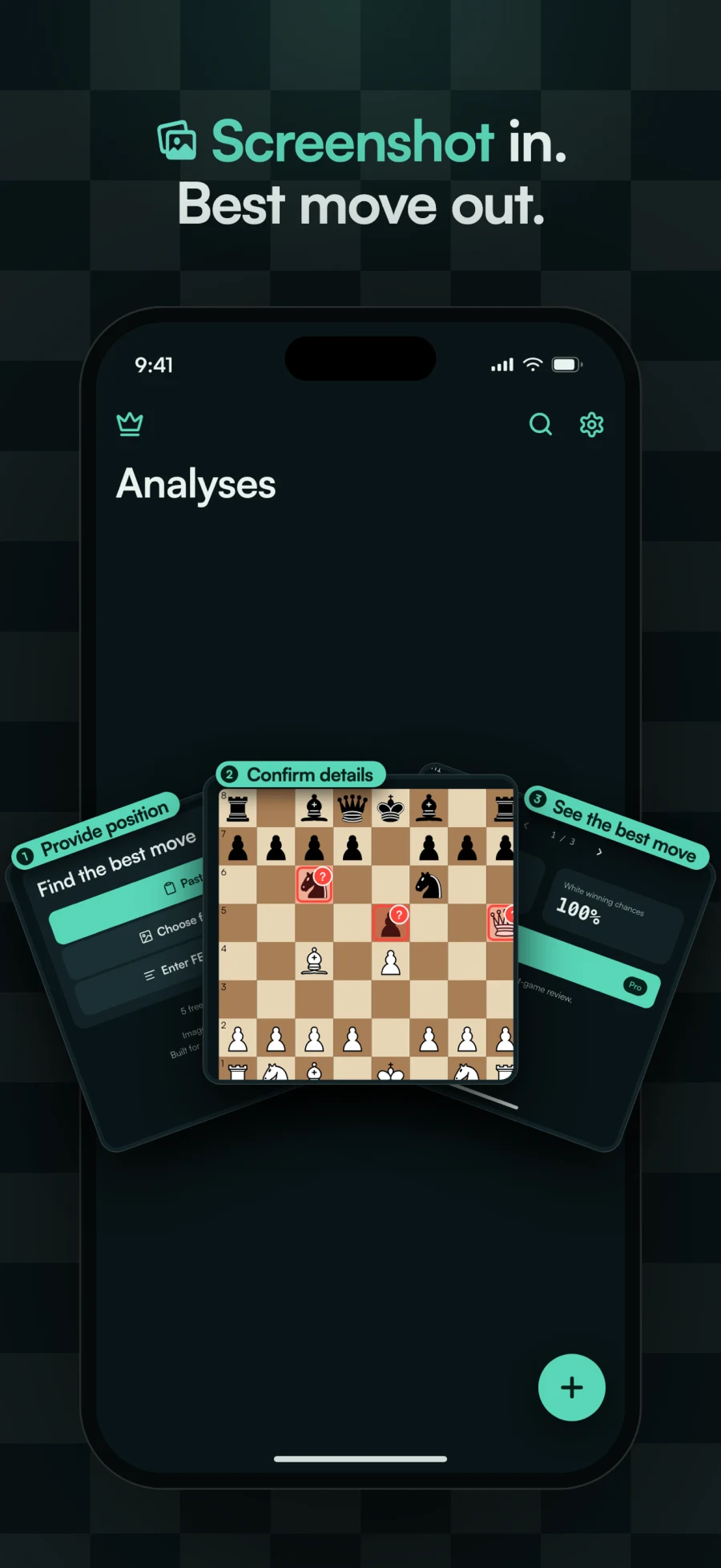
That setup gets in the way of study and post-game review, especially when the position came from a book, video, website, message, or another chess app.
Chaal recognizes the position on your device, asks you to confirm only what is uncertain, and returns the best move, alternatives, evaluations, winning chances, and an explanation you can share.
Comparing chess position scanners? Read our Chaal vs Chessvision.ai guide.
Take a photo, paste an image, choose one from Photos, share a board from another app, or paste FEN, PGN, or a board image link.
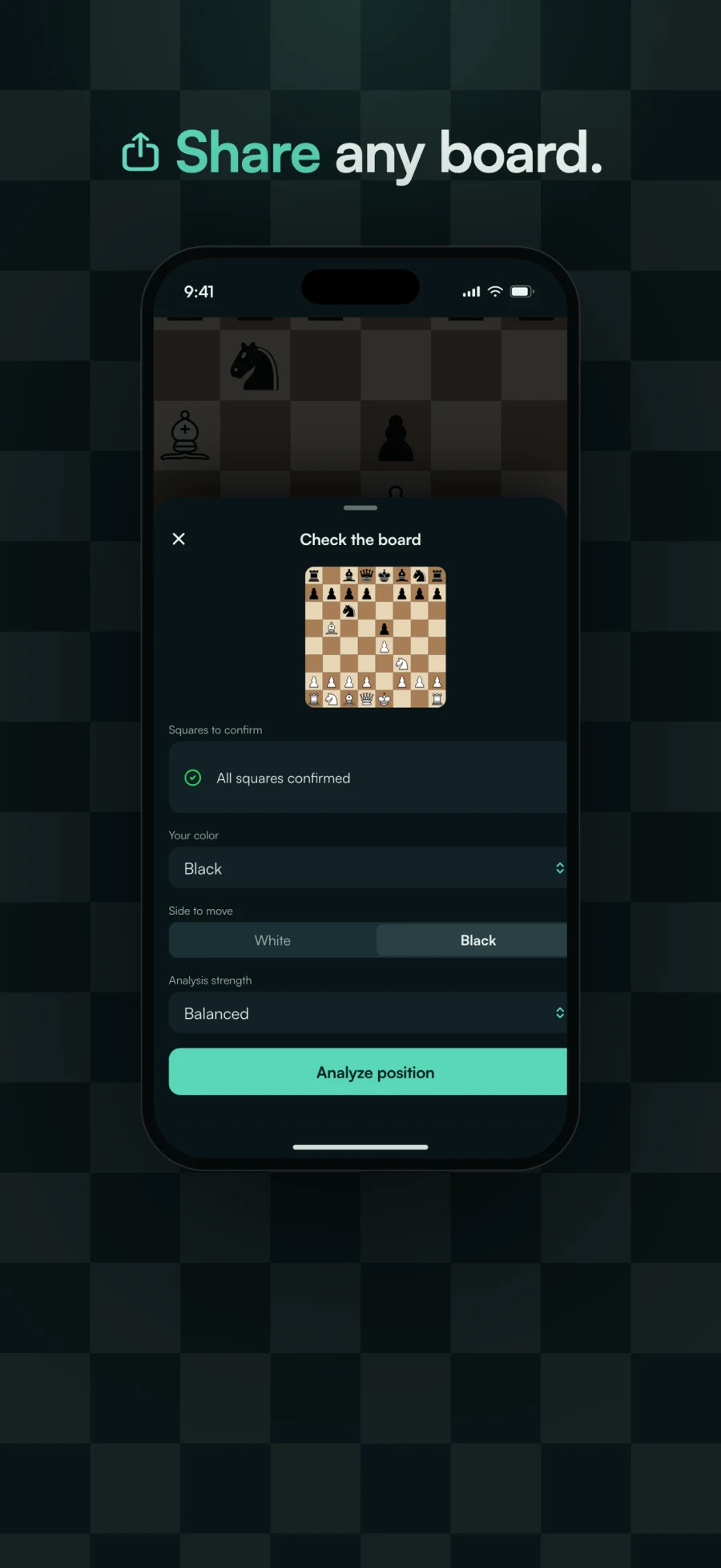
Chaal highlights the squares it is unsure about so you can correct them and choose the side to move without rebuilding the board.
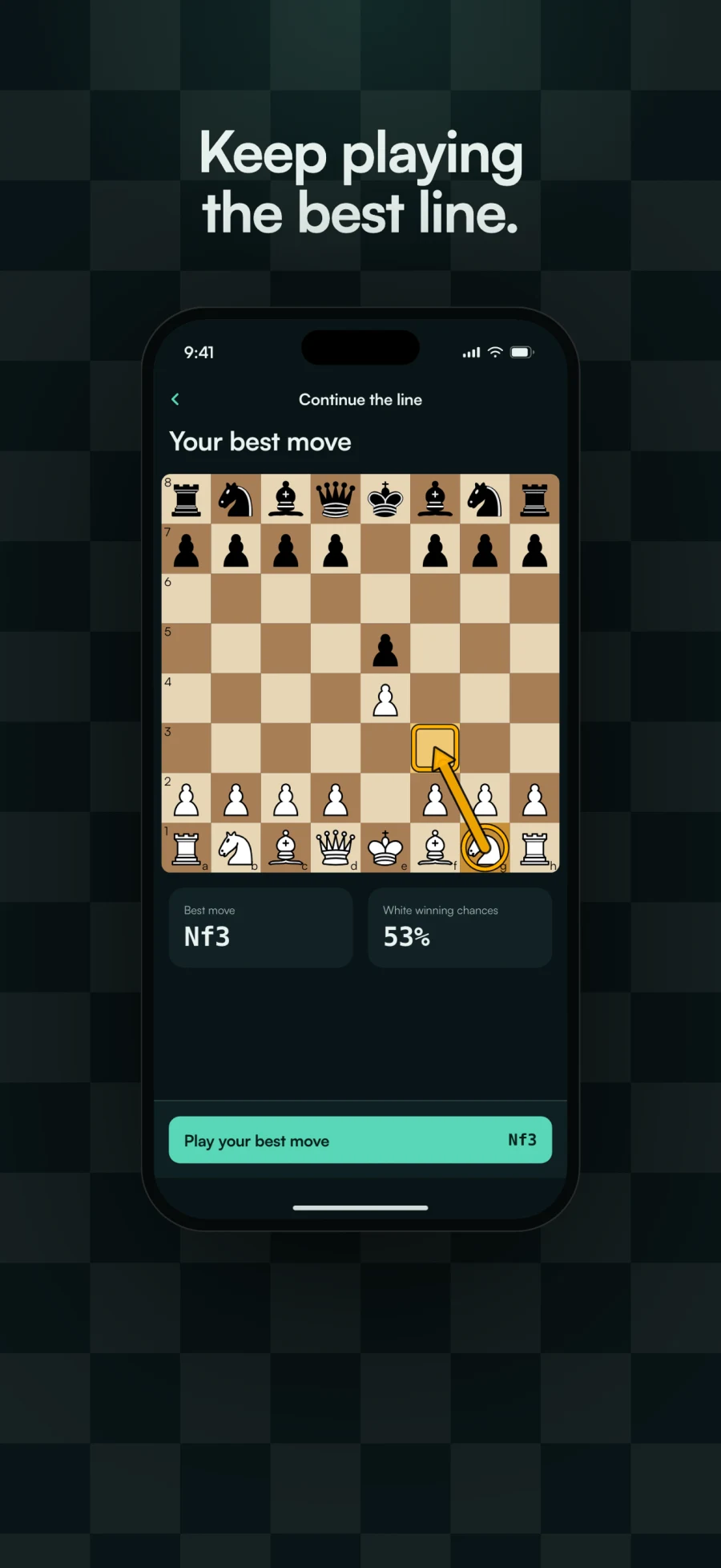
See the best move, alternatives, evaluations, winning chances, and a plain-language explanation of the position.
Share the analysis, explore suggested moves, save it automatically, and search past positions or opening names later.
Faster, more reliable recognition handles screenshots, photos, and printed chess diagrams on your device, so the image stays local.
When Chaal is unsure, it surfaces the uncertain squares for a quick correction instead of making you review every piece.
Share the best move, alternatives, and evaluations instead of sending a screenshot with no context.
Chaal is free to download. Chaal Pro is an optional monthly subscription.
Chaal accepts photos, pasted images, images from Photos, boards shared from other apps, FEN, PGN, and board image links. Recognition is designed for screenshots and printed chess diagrams.
No. Chaal reads the screenshot on your device. It sends the confirmed chess position, not the image, when remote analysis is requested.
Chaal highlights the squares it is unsure about and lets you correct them before analysis instead of asking you to rebuild or review the entire board.
Each result includes the best move, alternatives, evaluations, winning chances, and an explanation. You can share the analysis, and saved analyses can also show opening names when available.
Chaal Pro is a monthly subscription with unlimited analyses, Deep analysis, and Continue the Line. The free version includes limited analyses and line continuations.
No. Chaal is built for study and post-game review. Do not use engine assistance during live or rated chess games.
Chaal supports VoiceOver, Larger Text, a dark interface, sufficient contrast, Reduced Motion, and controls that do not rely on color alone.