A complete setup.
Each recommendation includes a stabilizer, thread, needle, and a pro tip for the project.

Threadwise
Shipping soonFabric, use case, and technique together decide the right stabilizer, thread, and needle. Getting one wrong can show up as puckering, shifting, or broken thread.
Ask about the beta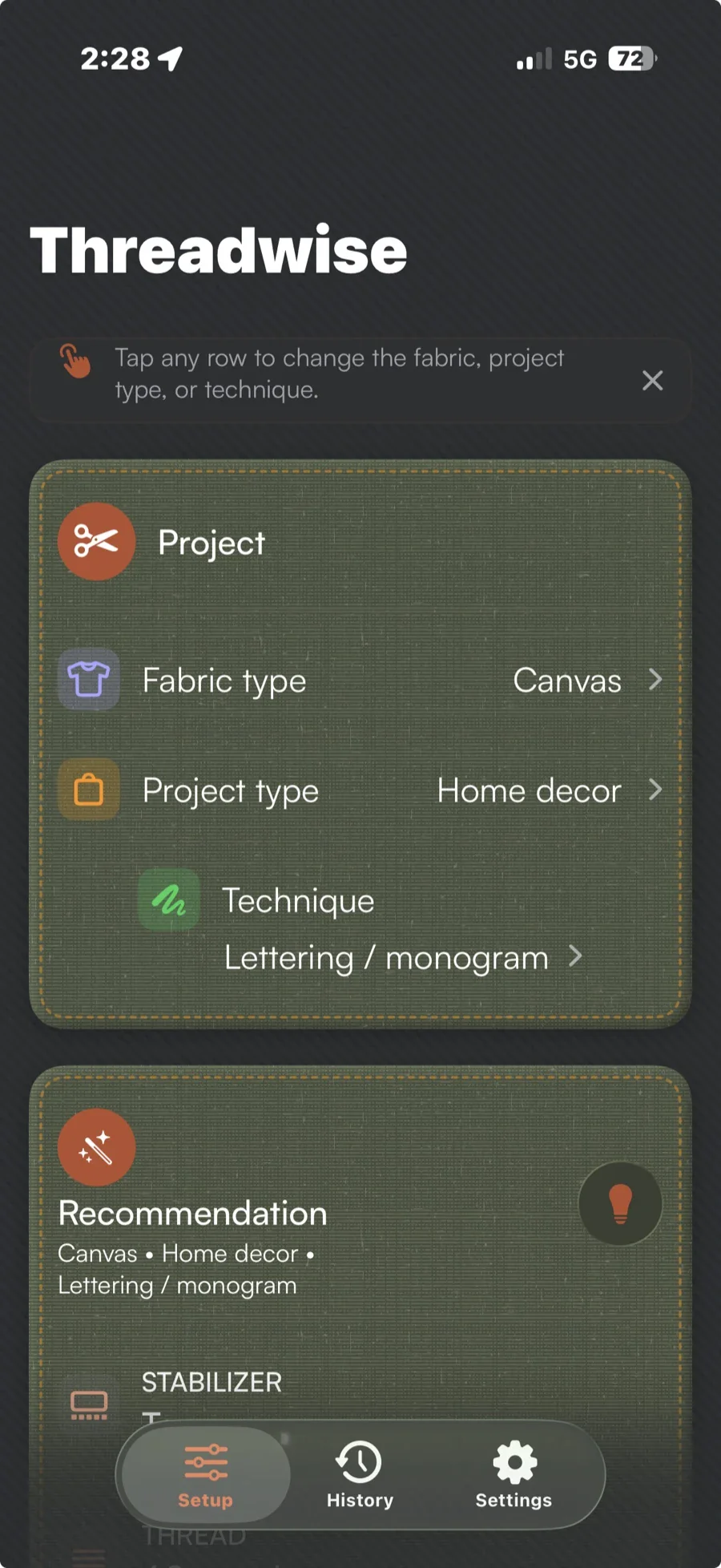
That knowledge is scattered across charts, forum threads, and trial and error. Beginners can stall before the fun part, while experienced stitchers still have to second-guess unfamiliar fabrics.
A failed stitch-out costs thread, stabilizer, fabric, and time before the actual project has even started.
Threadwise turns those three choices into a recommended stabilizer, thread, and needle for the project you described.
Choose the fabric type you are stitching on.
Tell Threadwise what the piece is for and how you are stitching it.
Get the recommended stabilizer, thread, and needle together, plus a contextual pro tip and inspiration.
Each recommendation includes a stabilizer, thread, needle, and a pro tip for the project.
The same fabric, use case, and technique return the same recommendation.
Recommendations run on your iPhone without a network connection.
Threadwise is still in development.
Each recommendation includes a stabilizer, thread, needle, contextual pro tip, and inspiration card for the project you described.
Threadwise maps your fabric, use case, and technique to a setup on your device. The same three choices return the same recommendation.
Yes. Recommendations run on your iPhone without a network connection.
No. Threadwise has no account, advertising, tracking, or backend. Your project choices and recommendations stay on your device.
Both. Beginners get one place to start, while experienced stitchers can check unfamiliar combinations before committing materials and time to a stitch-out.